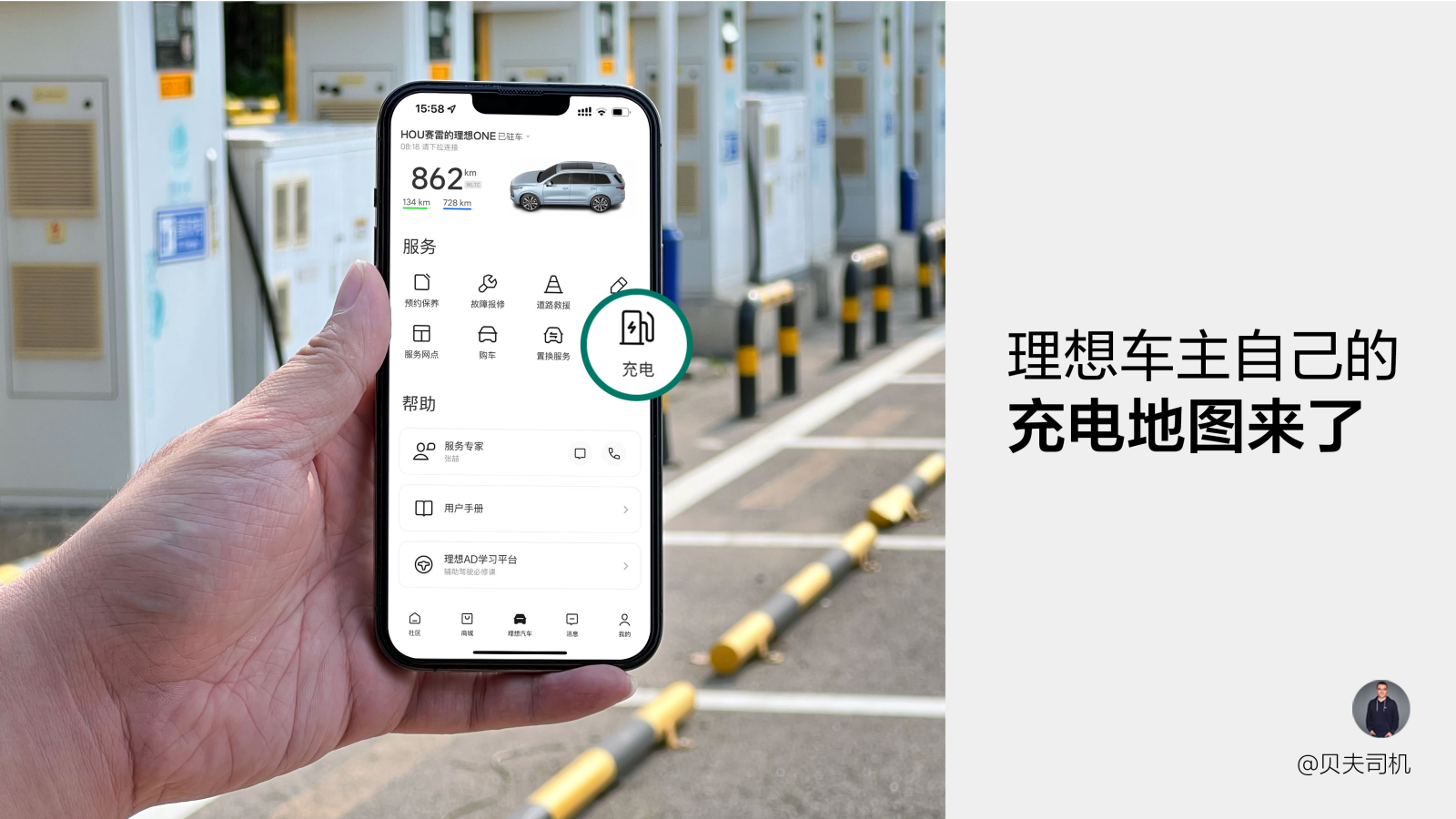
Everyone has their biggest headache during the charging process. For me, it’s finding a charging station and downloading different charging operator’s apps, which takes up too much time and is complicated, not concise at all.

However, after experiencing Ideal Automotive’s new charging map feature on the car control page (currently being piloted in Beijing), I have to give this feature a big thumbs up. It considers the core four elements of finding a station – scanning a code – charging – paying – comprehensively and meticulously. Let me explain more below.
Find a station – Multi-tag filtering to help you find the best station
There are basically two needs when it comes to finding a station: either choosing the one closest to you, or selecting the cheapest one. Ideal’s charging map has thought of both.

Furthermore, not only does it have a rapid navigation bar for distance and price, but in the upper right corner of the interface, there is a filtering section, which provides options for fast charging, slow charging, and whether parking is free. Everything that a car owner could need is available.

When entering the charging station details page, the core information is displayed very fully, such as the most important business hours, fast and slow charging statuses, and charging prices, all presented in the most prominent way. Even the future time period’s charging price changes are presented in a bar chart that can be slid to view, just like looking at a weather forecast, which is very user-friendly.
After you decide on the charging station that you like, you can click on the navigation icon to directly activate the navigation using one of four maps: Amap, Baidu, Tencent, or Apple maps (displayed based on the apps already downloaded on your phone), which is very efficient with just one click.
Scan QR Code – Multiple Paths Available, Use whichever you Prefer
After finding the station, it’s time to scan the QR code for charging. We recommend two ways to scan the QR code. The first way is to use the “Scan QR Code for Charging” button at the bottom of the charging map homepage or the charging pile details page. This is the commonplace link, which also provides an entry for entering the pile number manually, making it more secure in case there are issues when scanning the QR code.

At the same time, the scan function of the “+” button in the top right corner of the app homepage also has a scan QR code feature. For car owners who are used to using a fixed charging station, the operation steps are simplified: just open the app homepage and click the “+” button to directly scan the QR code, making it faster and more convenient.### Charging – Happiness without prepaid
The most troublesome part of charging is that most stations require prepayment or you to bind WeChat or Alipay for authorization before charging. However, if you use the Ideal Charging Map, you don’t have to worry about these trivial steps. The ability to pay after charging is what I am most satisfied with when using the Ideal Charging Map.
Taking my experience using State Grid charging stations as an example, when you plug in the charging gun and prepare to scan the code in front of the charging station, select the amount you want to “prepay” on the screen and a QR code will pop up. At this point, just scan the code with the Ideal Charging Map to start charging immediately without prepayment.

Here’s a reminder – when using State Grid charging stations, it is recommended to set the prepayment amount to 50 yuan. If you only set it to 10 yuan, the power will automatically cut off when the electricity bill reaches 10 yuan, which needs to be especially noted.
Payment – Touchless payment, only need to take out your phone once during the whole process
If paying after charging is an important feature that enhances the experience, then the best mode for the payment process is “touchless payment” when combined with password-less payment. You can even simplify the process to the point where you don’t need to take out your phone again after completing the code scanning for charging, just unplug the gun and leave when charging is finished.

“Pay after charging” is a built-in function that does not require setup, while password-less payment needs to be manually set up. You can choose the password-less payment for WeChat or Alipay in “My Account & Security – Payment Settings”.

Here’s a thoughtful detail – if you haven’t experienced the touchless payment after charging for the first two times, there will be a prompt asking you whether to enable the password-less payment when making the third payment. It’s very convenient to turn on with just a tap.

In addition to charging fees, some of the cooperative charging stations accessed by the Ideal Charging Map also support parking fee reductions. You only need to enter your license plate number in “My Account & Security – Privacy Settings – Open Charging & Parking Fee Reduction” to enjoy this feature. If you think this entry is hidden too deep, it doesn’t matter. There is also a quick entry in the lower left corner of the charging map homepage where you can set your license plate number. Anyway, we have thought of everything to help you.Currently, the Ideal Charging Map has been connected to three operators: State Grid, Xiaojuchongdian, and New Energy Charging. More operators will be added in the future, please stay tuned.
Inadvertently, Ideal car owners now have their own charging map, which is simple and easy to use, thanks to the hard work of the Ideal Charging Network team. Currently, the charging map is in trial operation in Beijing, and will be gradually opened to cities across the country starting in August. For other regions, please be patient and give the product managers time to polish the product and make it more convenient for everyone to use.
This article is a translation by ChatGPT of a Chinese report from 42HOW. If you have any questions about it, please email bd@42how.com.